Google Workspace Alternative: Switch Your Business Email Without Losing Mail
Using Google Workspace mainly for email? See what to compare in a Google Workspace alternative, real costs, and how to move without losing mail.
Many Indian businesses signed up for Google Workspace years ago, when it was the obvious choice. Today, a lot of those teams use it for one thing: email. If that sounds like your company, you may be paying for an office suite you hardly open. This guide explains when a Google Workspace alternative makes sense, what to compare before you switch, and how to move your email without losing a single message.
Do you really use all of Google Workspace?
Google Workspace is a bundle. Every user licence includes Gmail, Drive, Docs, Sheets, Meet, Calendar and more. That is great value if your team lives in those tools. But ask a few honest questions:
- Does your team mostly use Gmail, and open Docs or Sheets only now and then?
- Do people already use Microsoft Office, WhatsApp or Zoom alongside Workspace?
- Are you paying for users who only need a professional email address, such as sales, support or accounts staff?
If you answered yes to any of these, the main thing you are buying is business email. A dedicated business email service can give you the same professional address on your own domain, often with more mailbox storage, at a lower monthly cost.
What to compare in a Google Workspace alternative
Price is only one part of the decision. Your email holds contracts, invoices and customer history, so look at these points before you choose.
1. Storage that is actually for email
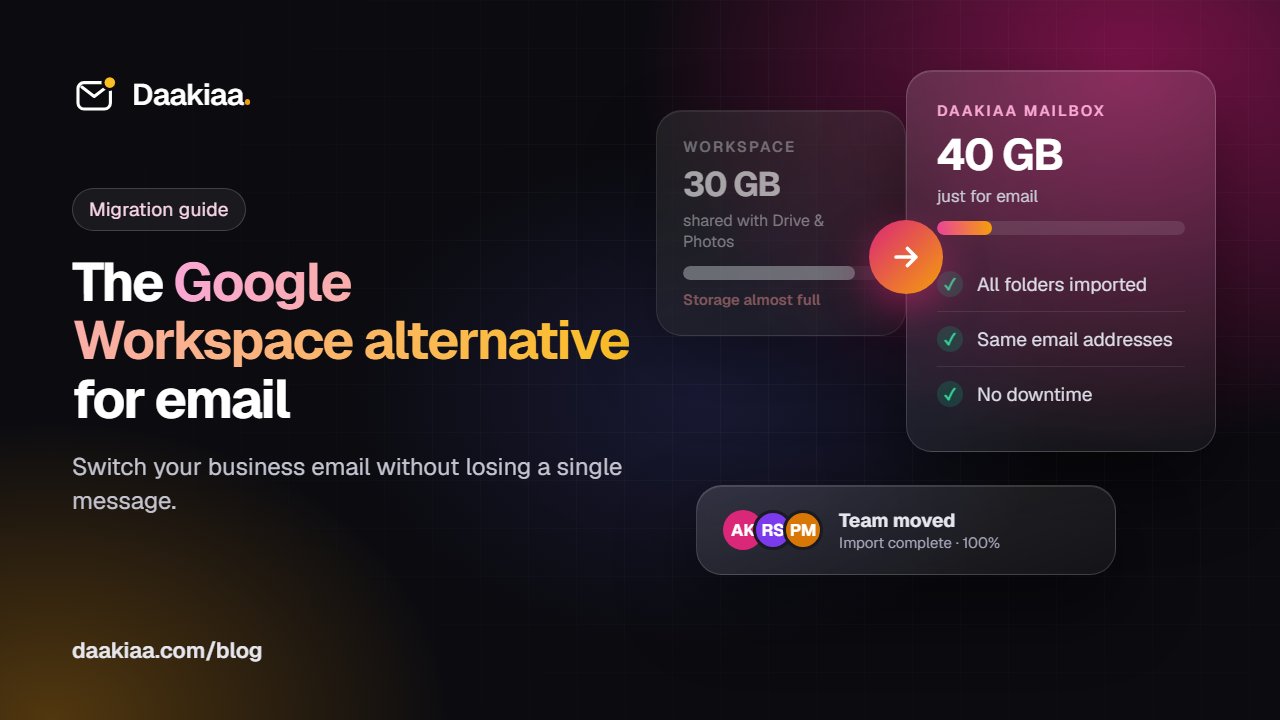
In Google Workspace Business Starter, each user gets 30 GB, and that space is shared between Gmail, Drive and Photos. When Drive fills up, email can stop arriving. A good alternative gives each mailbox its own space. Daakiaa Starter, for example, gives 40 GB per mailbox for email alone, and the Business plan gives 100 GB.
2. Security that is switched on by default
Business email is the most common way attackers get into a company. Look for:
- Passkeys (sign in with a fingerprint or face, nothing to phish)
- Required 2-step sign-in for everyone, which an admin can enforce
- Country rules, so a password stolen abroad cannot be used to sign in
- Spam and phishing protection that checks every incoming message
3. The apps your team already uses
Switching email should not mean retraining people. Check that the new service works with the Gmail app, Outlook and Apple Mail over standard IMAP and SMTP, and that there is a clean webmail for when people are on someone else’s computer.
4. Where your data is kept
For many Indian companies, keeping email on servers in India matters, for customers, auditors and peace of mind. Ask any provider where your mailboxes are stored.
5. A simple contract
Google’s best per-user price comes with a yearly commitment. If your team size changes often, monthly billing that you can change at any time is easier to manage.
Cost: a quick comparison
The table below compares typical costs at the time of writing (October 2026). Prices change, so always check each provider’s current price page.
| Daakiaa Starter | Google Workspace Business Starter | |
|---|---|---|
| Price per user / month | ₹119, billed monthly | about ₹137 on a yearly plan |
| Storage | 40 GB per mailbox, for email | 30 GB per user, shared with Drive |
| Free plan | Yes: 3 mailboxes, free forever | No, 14-day trial |
| Phone and Outlook access | Yes | Yes |
| Docs, Sheets, Drive, Meet | Not included | Included |
For a team of 20 people, the difference adds up over a year, and every mailbox gets more room. See the full side-by-side on our Google Workspace alternative page.
When you should stay on Google Workspace
An honest guide should say this too. Stay with Google Workspace if your team works together in Docs and Sheets every day, runs most meetings on Google Meet, or depends on shared drives for its files. Daakiaa focuses on business email and does not include an office suite. Many teams pair Daakiaa with free Google tools or Microsoft Office instead, but if the office suite is central to how you work, the bundle may still be right for you.
How to move from Google Workspace without losing email
Moving email sounds risky, but with the right steps nobody outside your company will notice.
Step 1: Create your new account
Sign up for Daakiaa with your company domain. Every new account is verified first (the GST certificate, or a government registration document for organisations without GST), which keeps the platform free of spammers and protects the reputation of every company’s mail.
Step 2: Add the DNS records
You add a few records at your domain provider: MX for delivery, and SPF, DKIM and DMARC so other mail servers trust your messages. For popular DNS providers such as GoDaddy, Hostinger and Namecheap, Daakiaa can add them for you automatically.
Step 3: Import your existing mail
Use the built-in import tool to copy every folder and message from Google Workspace, including attachments. Your old mailboxes stay untouched, so nothing is lost if you need to check something later.
Step 4: Switch delivery when you are ready
Point your domain’s MX records to Daakiaa. On the Business plan, split delivery lets you move people in groups: anyone who has not moved yet keeps receiving mail on Google until they do.
Step 5: Set up phones and computers
People sign in to webmail, or add the account to the Gmail app, Outlook or Apple Mail. Daakiaa’s one-tap phone setup fills in the server settings for them.
Frequently asked questions
Will our email addresses change?
No. You keep the same addresses on your own domain. Customers and partners keep writing to the same addresses as before.
Is there downtime while we switch?
No. You import first and switch delivery afterwards. Mail keeps flowing during the change, and split delivery helps larger teams move gradually.
Can we still use Google Docs and Drive?
Yes. A personal or free Google account can still open Docs and Drive. Many teams keep using them for files while their email moves.
The bottom line
If your team uses Google Workspace mainly for email, a dedicated business email service can save money every month while giving each person more storage and strong security. Start with the free plan to try it on your own domain, or compare the details on the Google Workspace alternative page and our pricing.
Business email on your own domain, free
3 mailboxes free forever, with passkeys, spam protection and one-tap phone setup.
More from the blog
How to Send Meeting Invites from Your Business Email
How meeting invitations work across Gmail, Outlook and Apple Calendar, and how to send them free from your own business email with Daakiaa Calendar.
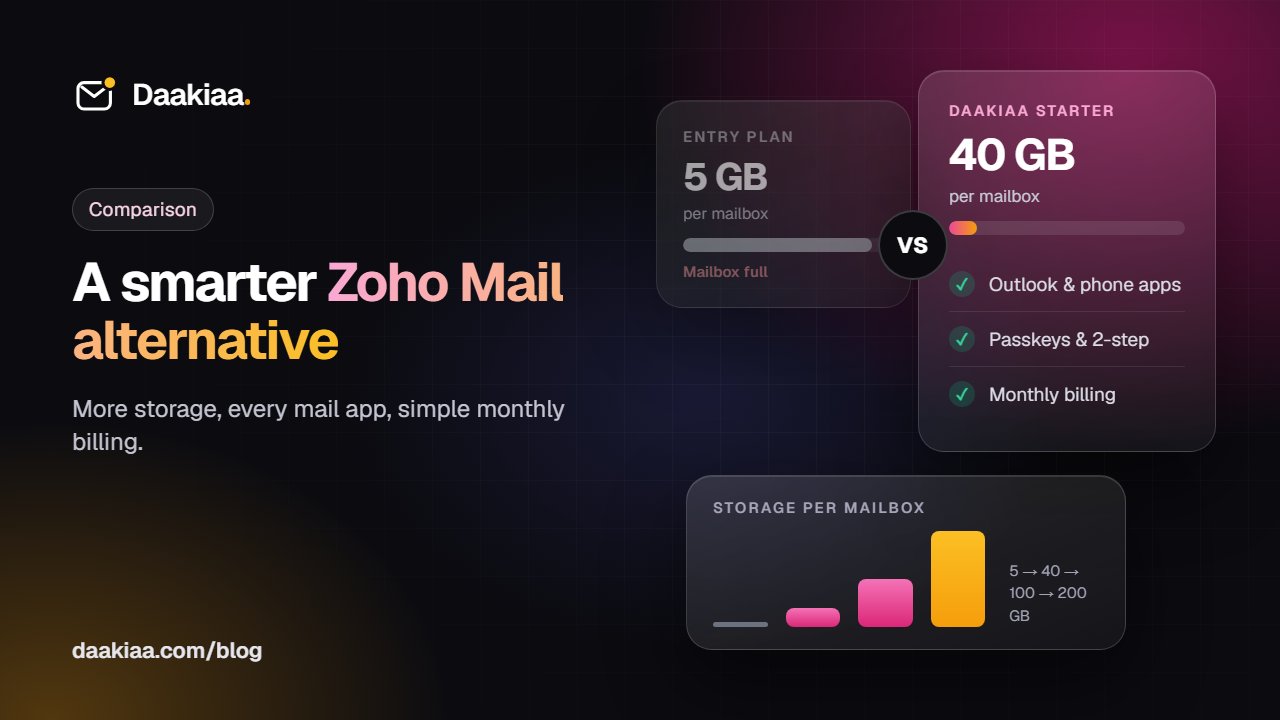
Zoho Mail Alternative: Zoho Mail vs Daakiaa Compared
Looking for a Zoho Mail alternative? Compare storage, mail apps, security and pricing of Zoho Mail and Daakiaa, and see how to switch in an afternoon.
How to Host a Public Webinar with Registration: A Step-by-Step Guide
A step-by-step guide to hosting a public webinar with registration: plan it, brand it, collect sign-ups, send reminders and follow up, with Daakiaa Meet.