Email Attachment Size Limits: Gmail, Outlook and Daakiaa Compared
What is the email attachment size limit in Gmail, Outlook and Microsoft 365? Why big files bounce, and how to send large files by email that always arrive.
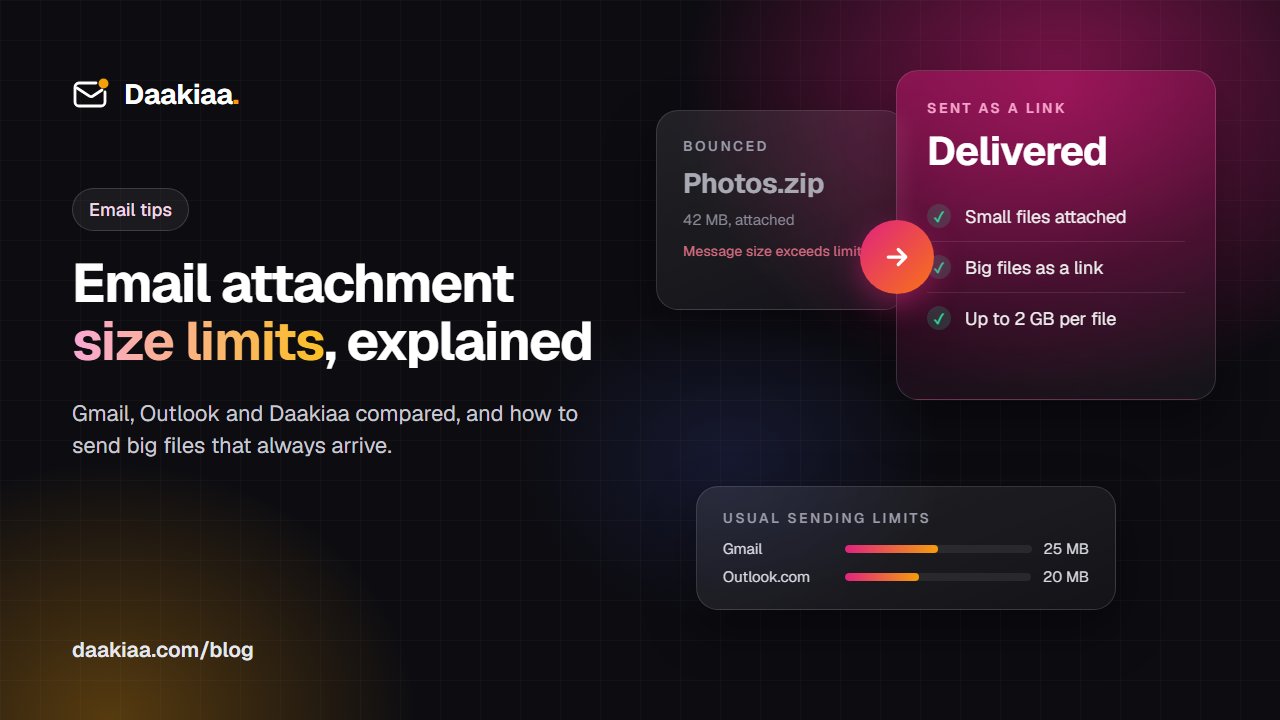
You attach the site photos, press Send, and a few minutes later a message from “Mail Delivery Subsystem” says your email was too big. Nothing reached the customer, and you only find out when they call to ask where the files are.
Every email service limits how big a message can be, and the smallest limit along the way decides whether your mail arrives. This guide explains the limits of the services most Indian businesses use, why a file under the limit can still bounce, and the simple way to send large files so they always get through.
Email attachment size limits at a glance
These are the usual limits at the time of writing. Providers change them now and then, so treat them as a guide and check their help pages for the latest.
| Service | Send limit | Bigger files go as |
|---|---|---|
| Gmail | 25 MB | A Google Drive link |
| Outlook.com | About 20 MB | A OneDrive link |
| Microsoft 365 | About 35 MB | A OneDrive link |
| Daakiaa | 20 MB | A link, up to 2 GB a file |
A few details behind the table:
- Gmail (free and Google Workspace) adds the Drive link for you, and accepts incoming messages up to 50 MB.
- Microsoft 365 business mailboxes start at about 35 MB, and an administrator can raise the limit up to 150 MB.
- Daakiaa attaches up to 20 MB inside the message from webmail, turns bigger files into a link on its own, and accepts incoming messages up to 100 MB.
The numbers are for the whole message: every attachment together, plus the text, the pictures in your signature and any earlier replies quoted below.
Why a 20 MB file can still bounce
If your file is under the limit and the mail still comes back, one of these is usually the reason.
1. Attachments grow on the way
Email was built to carry text. To send a PDF or a photo, your mail app turns it into text first (an encoding called Base64), and that makes it about a third bigger. Around 18 MB of files becomes a message of roughly 24 MB, already close to many limits.
2. The smallest limit wins
Your message passes through at least two mail servers: yours and your recipient’s. Some companies also run a security gateway in between. Each one has its own limit, and the strictest one decides. Your service may happily send a 30 MB message, and a customer on Outlook.com may still never receive it.
3. Forwards and long threads add up
Forward a mail that already had attachments, reply with the old message quoted, or add a few large pictures to your signature, and the size climbs quickly without you noticing.
When the size is the problem, the bounce usually says something like “Message size exceeds fixed maximum message size”, “552 message too big” or “Attachment too large”.
How to send large files by email that always arrive
1. Send a link instead of an attachment
A link is the most reliable way to share anything big. The message itself stays small, so it never bounces for size. There is one copy of the file instead of one in every mailbox, and the recipient downloads it when they need it. For a team that shares files every day, our guide to sharing large files instead of attachments shows a simple way to organise them.
2. Make files smaller where you can
- Scanned documents: scan at 150 to 200 dpi in black and white or grey. That is plenty to read, and the PDF is a fraction of the size of a 600 dpi colour scan.
- PDFs: most PDF tools have a “reduce file size” or “optimise” option, which often halves a file full of pictures.
- Photos from a phone: each one can be 3 to 8 MB. When the share menu offers a size, choose a smaller one, or send the album as a link.
- Office files and text: zipping them helps a lot. Photos, videos and PDFs are already compressed, so a zip makes them only slightly smaller. Use it to keep many files together, not to shrink them.
3. Split a message only as a last resort
Sending a big job in five emails of 15 MB each works, but the recipient has to collect every part, and one missing mail breaks the set. A single link is easier for everyone.
4. Don’t attach program files
Files that run programs, such as .exe, .bat or .js, are a common way to spread malware, so many mail servers refuse them, even inside a zip. Daakiaa webmail does not let you attach them at all. If someone really needs a program, point them to the publisher’s official download page.
How Daakiaa handles big files
Daakiaa is business email on your own domain, built so that large files are never a worry.
- Attach as usual. In webmail, up to 20 MB of files travel inside the message, a size nearly every mail server in the world accepts.
- Bigger files become a link on their own. When a file is larger, or the attachments together go over 20 MB, Daakiaa sends them as a secure download link instead, up to 2 GB per file within your storage. You don’t need a separate file-sharing account, and your recipient simply opens the link in your message.
- Big mail from others arrives. Daakiaa accepts incoming messages up to 100 MB, so large files from customers and suppliers on other services reach you.
- Checked for viruses. Attachments coming in and going out are scanned for known viruses before they reach anyone’s inbox.
Your files and your mail live together with Daakiaa Drive, so the documents you share are easy to find again later.
Common questions
What is the attachment size limit in Gmail? Gmail lets you send up to 25 MB of attachments in one message and receive messages up to 50 MB. When your files are bigger, it adds a Google Drive link instead.
What is the attachment size limit in Outlook? Outlook.com allows about 20 MB. Microsoft 365 business mailboxes allow about 35 MB by default, and an administrator can raise that up to 150 MB. The recipient’s own limit still applies.
Why did my 20 MB attachment fail? Encoding makes attachments about a third bigger on the way, and the recipient’s server may have a lower limit than yours. Sending the file as a link avoids both problems.
Can I send a 1 GB file by email? Not as an attachment: no common mail service carries a message that size. As a link, yes. Daakiaa sends files up to 2 GB per file as a download link.
Does zipping a file make it smaller? It helps a lot with documents, spreadsheets and text, and very little with photos, videos and most PDFs, which are already compressed.
Get started
If your team keeps hitting attachment limits, create a free Daakiaa account with up to three mailboxes on your own domain, or see all plans on the pricing page. Moving from Gmail? Read how Daakiaa compares as a Google Workspace alternative.
Business email on your own domain, free
3 mailboxes free forever, with passkeys, spam protection and one-tap phone setup.
More from the blog
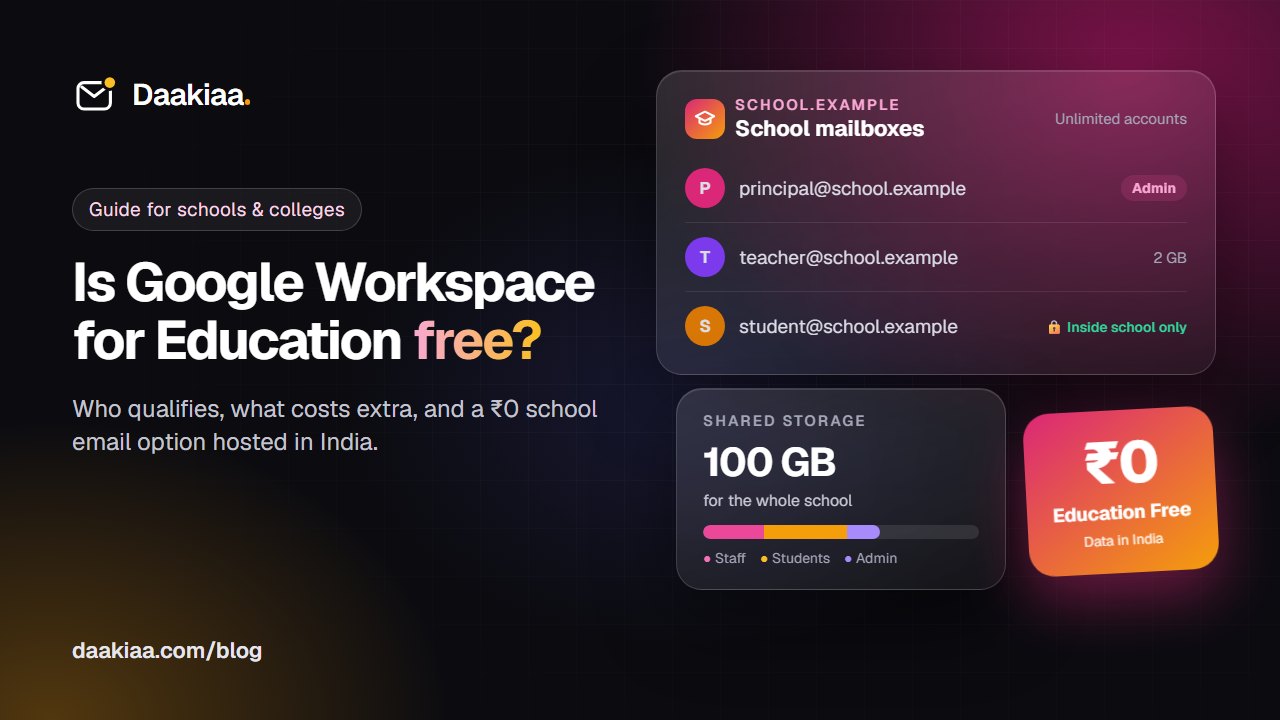
Is Google Workspace for Education Free? What Indian Schools and Colleges Should Know
Is Google Workspace for Education free? Who qualifies, how approval works, what paid editions add, and what Indian schools should check before choosing.
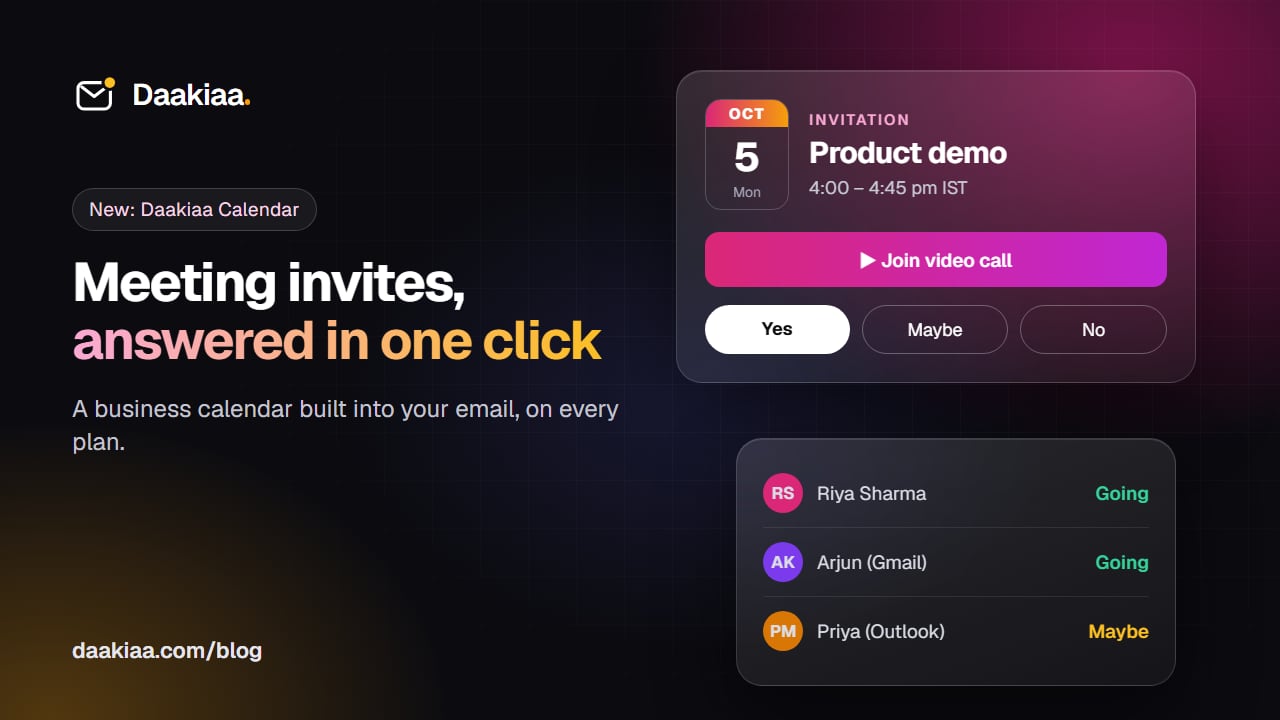
How to Send Meeting Invites from Your Business Email
How meeting invitations work across Gmail, Outlook and Apple Calendar, and how to send them free from your own business email with Daakiaa Calendar.
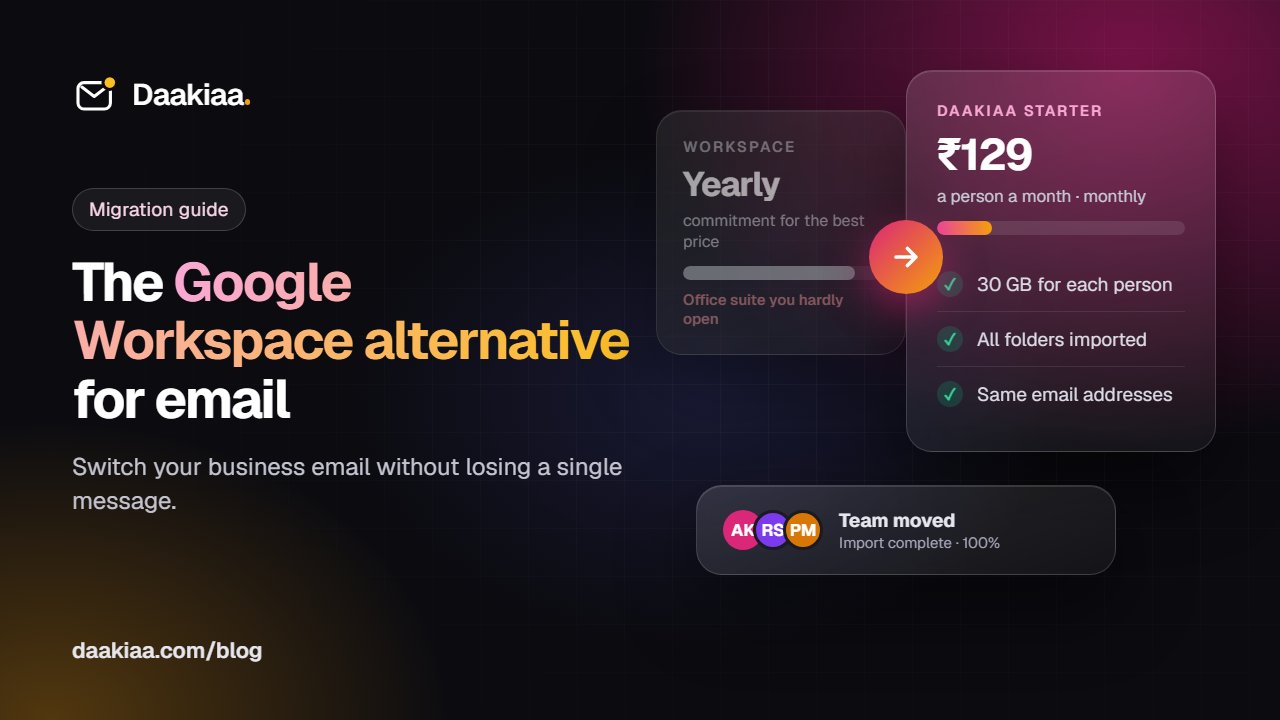
Google Workspace Alternative: Switch Your Business Email Without Losing Mail
Using Google Workspace mainly for email? See what to compare in a Google Workspace alternative, real costs, and how to move without losing mail.