Is Google Workspace for Education Free? What Indian Schools and Colleges Should Know
Is Google Workspace for Education free? Who qualifies, how approval works, what paid editions add, and what Indian schools should check before choosing.
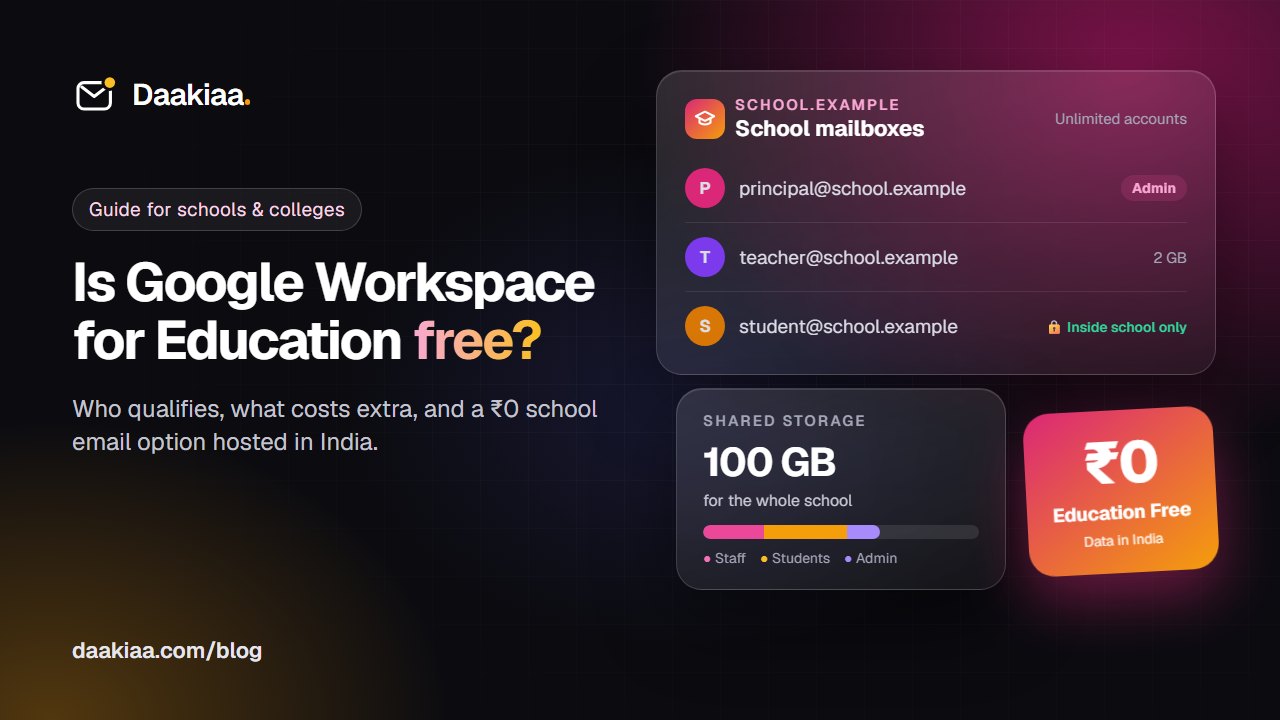
Every school and college in India needs email: for the office, for circulars to parents, for admissions and for online classes. The first name most people hear is Google, and the first question is almost always the same: is Google Workspace for Education free? The short answer is yes, if your institution qualifies, but there is more to it. This guide covers what the free edition includes, who qualifies, how approval works, what paid editions add and what to check, and how Daakiaa for Education, free email for schools hosted in India, compares.
Is Google Workspace for Education free?
Yes, the base edition is. At the time of writing, Google offers Google Workspace for Education Fundamentals at no cost to qualifying educational institutions. It includes Gmail, Calendar, Meet, Classroom, Drive, Docs, Sheets, Slides, Forms and the admin console, along with 100 TB of pooled cloud storage shared by the whole institution, which the admin can allocate as needed.
Google also sells paid editions and add-ons. So “Google education free” holds for the base edition, but some features schools often ask for, such as recording a class, sit in paid tiers. In Fundamentals, Google Meet allows up to 100 participants, and Google’s Meet help says teachers, staff and students can’t record the meetings they organise.
Who qualifies for the free edition
According to Google’s published qualification rules at the time of writing:
- Schools and higher education institutions must be government-recognised, accredited institutions delivering instruction to students, and higher education institutions must award degrees.
- The institution must have an active website.
- The person who applies must be part of the institution.
Google also lists organisations that do not qualify, including tutoring programmes, for-profit education companies, language schools, corporate training centres and job training programmes. In India, that usually rules out coaching centres and training institutes, even large ones. Google also reserves the right to decide eligibility in each case.
How approval works, and why it can take time
Signing up is not instant. Based on Google’s help pages at the time of writing, the process looks like this:
- Create the account with your institution’s details and accept Google’s agreements.
- Verify your domain, for example yourschool.edu.in, by adding a record at your domain provider.
- Send proof of eligibility: a scanned copy of your official accreditation document, plus your name, role and a contact email.
- Wait for the review. Google says approval requests are typically resolved within 14 business days.
While the request is under review, Google says your ability to use email and other services outside your domain is restricted. Unclear documents or a website that doesn’t clearly show the institution can slow things down, so start well before a new term.
What the paid Google editions add
At the time of writing, Google’s paid options include Education Standard, Education Plus and add-ons such as Teaching and Learning. In general terms, depending on the edition, they add:
- Advanced security and analytics, such as a security dashboard and investigation tools.
- Extra storage for each paid licence, on top of the pooled storage.
- More Meet features, such as recording, larger meetings, live streaming, attendance tracking and breakout rooms.
- Data regions, which let an admin choose where some data is stored at rest. Google lists this for Education Standard and Education Plus, with the United States or Europe as the choices.
Two points matter for your budget. Paid editions are licensed per user, per year. And Google’s licensing rules say the minimum purchase for Education Standard and Education Plus equals the institution’s total student enrolment plus the active staff using Fundamentals. In other words, these editions are bought for the whole institution, not for a few teachers. Prices change and differ by currency and reseller, so ask Google or an authorised reseller for a current quote.
What schools should check before choosing
Whichever service you choose, ask these questions first:
- Where is the data stored? Parents and management increasingly ask about student data. Ask each provider, and whether you can choose the location.
- How does the shared storage work? A pool is shared by everyone. Check that the admin can set a size for each mailbox, so one heavy user can’t fill it for the whole school.
- Are student accounts safe? Can you stop students from emailing strangers outside the school? Can you create accounts in bulk, or straight from your school software?
- Do meetings fit your classes? How many students can join, how long can a class run, and is recording included or extra?
- Who helps when something breaks? If the principal can’t sign in on a Monday morning, who answers, and in which language?
- How much admin work is it? Accounts must be created at admission, closed when students leave, and passwords reset. Without a full-time IT team, simple admin matters more than a long feature list.
- What is the real cost over three years? Check what you would pay later for the features you know you will need.
A Google Workspace for Education alternative: Daakiaa for Education
Daakiaa for Education is school email built and hosted in India, for recognised schools, colleges and universities. Every plan has unlimited accounts for teachers, students and staff on your own domain, one storage pool for the whole institution, and one yearly price, with no fee per student.
| Education Free | Education Standard | Education Plus | |
|---|---|---|---|
| Price per year | ₹0 | ₹19,999 + GST | ₹49,999 + GST |
| Accounts | Unlimited | Unlimited | Unlimited |
| Storage, shared by everyone | 100 GB | 500 GB | 1 TB |
| Meetings | 40 people, 30 minutes | 100 people, 3 hours, recording | 100 people, 24 hours, recording |
| Emails a day, for the whole school | 300 | 2,000 | 5,000 |
| Support | Priority email | Priority | |
| Your own webmail address | No | No | Yes |
Every plan, including Education Free, includes:
- Mailbox sizes set by the admin. Each mailbox starts at 1 GB, and the admin can set any mailbox from 100 MB up, so 100 GB stretches across a large school.
- Online classes with attendance. Schedule a class, teach on video with screen sharing, and see who joined and for how long. More on Daakiaa video meetings.
- Students mail only inside the school, if you want. Students can write to teachers and classmates but not to strangers outside.
- A school-software API, so your school ERP or management software can create classes and student accounts for you.
- Chat, drive, calendar and tasks in the same account, on the web, phones and Outlook.
- Data in India. Mailboxes are stored in an Indian data centre, and support comes from a team in India.
Verification is quick. After you sign up, upload your affiliation or recognition certificate: CBSE, ICSE or State board affiliation for schools; UGC, AICTE or university affiliation for colleges; or government recognition for other institutions. We usually verify it within one working day.
To be fair to both: Daakiaa does not have documents and spreadsheets yet, and Google’s free edition has far more pooled storage. If your teachers work in Docs and Classroom all day, Google may suit you better. If you mainly need reliable school email, simple admin, online classes and data kept in India, Daakiaa for Education is built for exactly that.
Frequently asked questions
Is Google Workspace for Education really free?
At the time of writing, the Education Fundamentals edition is free for institutions that qualify. Paid editions and add-ons cost extra and add features such as recording and advanced security.
How long does Google take to approve a school?
Google says requests are typically resolved within 14 business days, and email outside your domain is restricted until then.
Can a coaching centre get free school email?
Usually not. Google lists tutoring programmes and for-profit education companies as not eligible, and Daakiaa for Education is also only for recognised schools, colleges and universities. A coaching centre can use a business plan instead: see our pricing, including the free plan with up to three mailboxes, and our Google Workspace alternative page.
Is there free email for schools in India that keeps data in India?
Yes. Daakiaa Education Free costs ₹0 for recognised institutions, with unlimited accounts, 100 GB shared by the whole school, and mailboxes stored in an Indian data centre. You can move up to Standard or Plus later without moving any mail.
Get started before the next term
If your institution is recognised, you can be ready in three steps: sign up for Education Free with your institution’s domain and add the DNS records we show you, upload your affiliation or recognition certificate, then add teachers and students and start your first class. Compare all three plans on the Daakiaa for Education page. If you run a business alongside your institution, our guide to choosing a Google Workspace alternative for business email covers that side.
Google Workspace is a trademark of Google LLC. Daakiaa is not affiliated with Google. Details about Google’s products are based on Google’s public pages in October 2026; check Google’s current terms before you decide.
Business email on your own domain, free
3 mailboxes free forever, with passkeys, spam protection and one-tap phone setup.
More from the blog
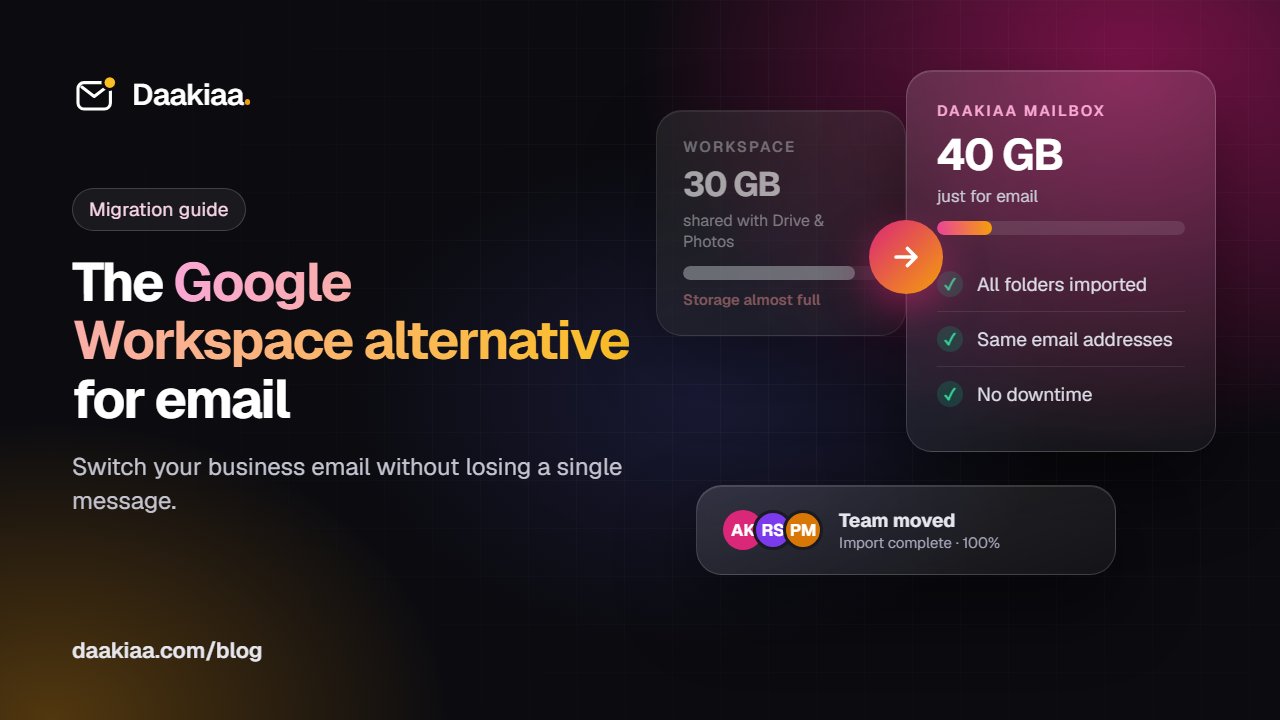
Google Workspace Alternative: Switch Your Business Email Without Losing Mail
Using Google Workspace mainly for email? See what to compare in a Google Workspace alternative, real costs, and how to move without losing mail.
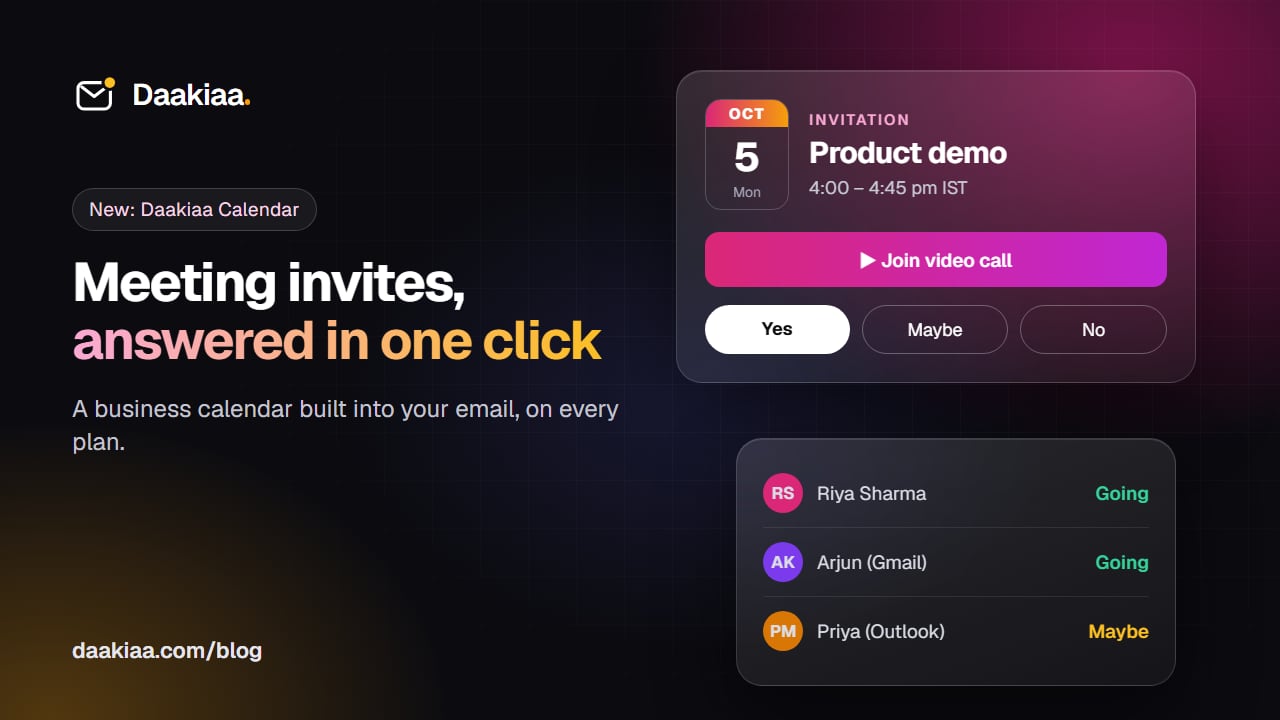
How to Send Meeting Invites from Your Business Email
How meeting invitations work across Gmail, Outlook and Apple Calendar, and how to send them free from your own business email with Daakiaa Calendar.
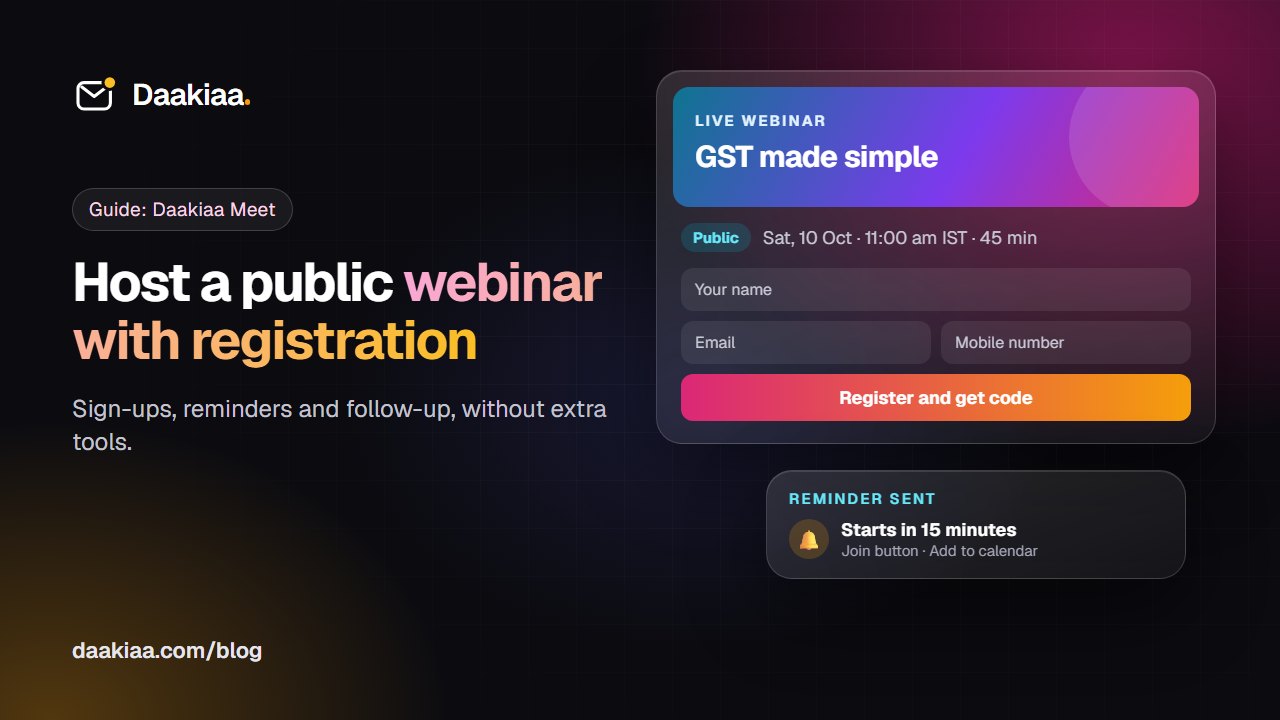
How to Host a Public Webinar with Registration: A Step-by-Step Guide
A step-by-step guide to hosting a public webinar with registration: plan it, brand it, collect sign-ups, send reminders and follow up, with Daakiaa Meet.