Is Your Business Email Really in India? A 2-Minute Test
"Stored in India" covers only your mailbox. Learn how to check in two minutes where your business email is really sent from, with any provider.
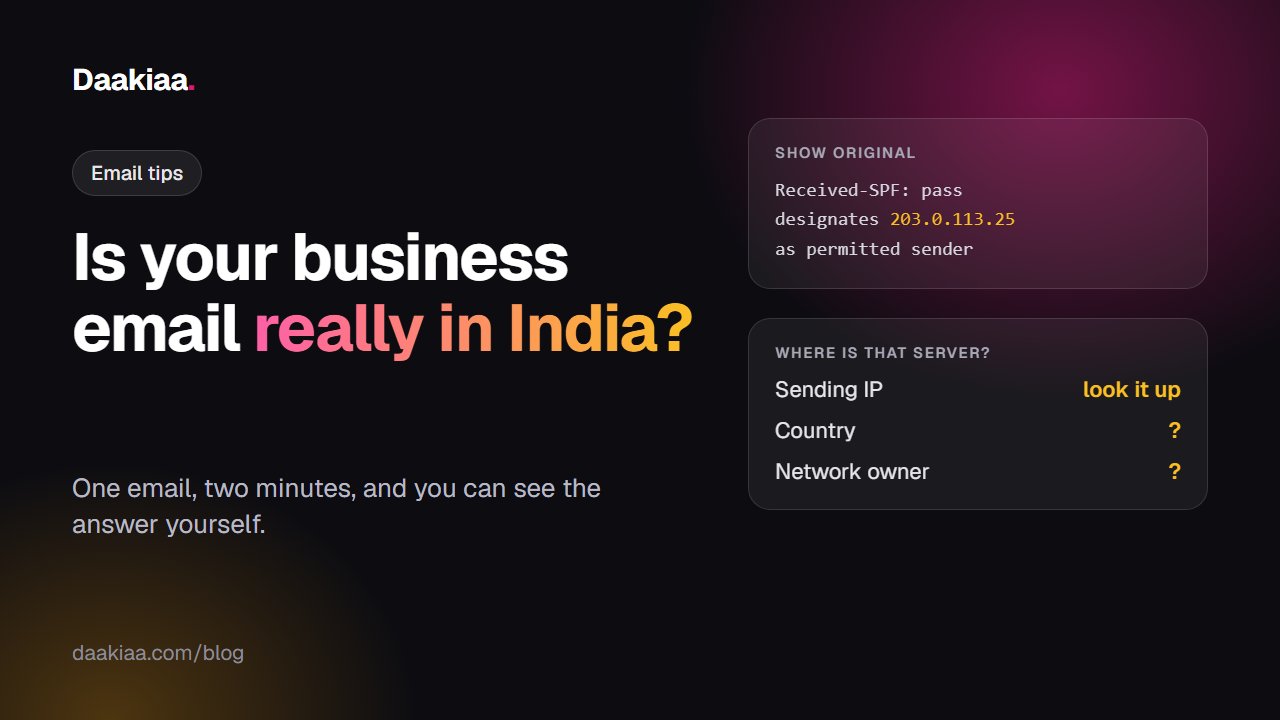
“Your data is stored in India.” You will see that line on many business email plans, and it may well be true. But it answers only one question: where your mailbox sits.
An email does more than sit in a mailbox. It is written, handed to a sending server, checked, queued, delivered and logged. Each of those steps happens on a machine somewhere. The mailbox can be in Mumbai while the server that actually delivers your mail is on another continent.
The good news is that you don’t have to take anyone’s word for it. Every email carries its own travel record, and you can read it in about two minutes.
Where an email actually goes
Think of a business email as four places, not one:
| Step | What happens there |
|---|---|
| Your mailbox | Your mail is stored and read |
| Sending servers | Your mail leaves for the outside world |
| Receiving and filtering | Incoming mail is checked for spam and viruses |
| Logs | Who wrote to whom, and when, is recorded |
A privacy page usually talks about the first one. The other three are where “stored in India” and “handled in India” can quietly part ways. A sending server keeps a copy of your message in its queue until the other side accepts it, which can take seconds or days. Its logs keep a record of who you wrote to.
None of this means a provider is doing anything wrong. Large global companies run mail from wherever their network is built. It just means the plan page does not tell you the whole story.
The two-minute test
You need one email sent from the service you want to check. If it is your own company’s mail, send yourself a test at a Gmail address.
Step 1: Open the original message. In Gmail, open the mail, click the three dots next to Reply, and choose Show original. In Outlook on the web, click the three dots, then View, then View message source.
Step 2: Find the sending IP. In Gmail, press Ctrl+F and search for designates. You will see a line like this:
Received-SPF: pass (google.com: domain of you@yourcompany.com
designates 203.0.113.25 as permitted sender)
That number is the address of the server that handed your mail to Google. Everything before it happened inside your provider. This is the machine that spoke to the outside world on your behalf.
Step 3: Look it up. Paste the IP into any IP lookup site, such as ipinfo.io. Note two things: the country and the network owner.
Step 4: Repeat a few times. Big providers have many servers, and one email is one sample. Send three or four, on different days if you can, and to more than one kind of address.
Two honest cautions. IP location databases are good estimates, not legal proof, so treat the result as a strong hint and look at the network owner as well. And a server’s location tells you where it is, not what a company’s contract promises, so read both.
Check your incoming mail too
Incoming mail has its own answer. Your domain’s MX record says which servers receive your mail. Run this in Command Prompt, using your own domain:
nslookup -type=mx yourcompany.com
Look up the server names it shows in the same way. If a separate filtering service sits in front of your mailbox, this is where you will see it.
Why this matters for an Indian business
For a small shop, it may not matter much. It starts to matter when mail carries things other people trust you with: salary slips, patient reports, student records, bank details, tender documents.
- Your customers ask. Hospitals, banks, schools and government buyers increasingly want to know where their data goes. “Stored in India” is an easy answer until someone asks a follow-up question.
- You stay answerable. India’s Digital Personal Data Protection Act holds the business that collects personal data responsible for how it is handled, including by its service providers. You can only answer for what you can see. For what this means for your own business, ask your lawyer.
- Different countries, different rules. Data handled in a country can fall under that country’s laws, including requests from its authorities.
Five questions for any email provider
Before you sign up, or at your next renewal, ask these in writing:
- Which countries are your sending servers in, for my plan?
- Where is incoming mail filtered?
- Where are message logs kept, and for how long?
- Who can open my mail for support, and from where?
- Which other companies handle my mail on your behalf?
A provider who is comfortable with its answers will give them plainly.
Run the same test on us
We would rather you test us than believe us. Daakiaa is built and run from India, and our mailboxes sit on servers in an Indian data centre.
Send yourself a mail from Daakiaa and follow the steps above. At the time of writing, public records show our main sending server, 185.131.55.122, in Panvel, Maharashtra, with the name mail.daakiaa.com. Our other sending servers show Mumbai and Panvel. Mail to Microsoft addresses such as Outlook and Hotmail goes out through Amazon’s Mumbai region for better delivery, and we would rather say so than leave you to find it.
Spam and virus checks run on our own servers, and our team is in India, in your time zone.
If you are comparing options, see how we stack up against Google Workspace and Zoho Mail, or read our pricing. You can also start free with up to 3 mailboxes and run the test yourself.
Whichever provider you choose, run the test once. It takes two minutes, and it is your mail.
Business email on your own domain, free
3 mailboxes free forever, with passkeys, spam protection and one-tap phone setup.
More from the blog
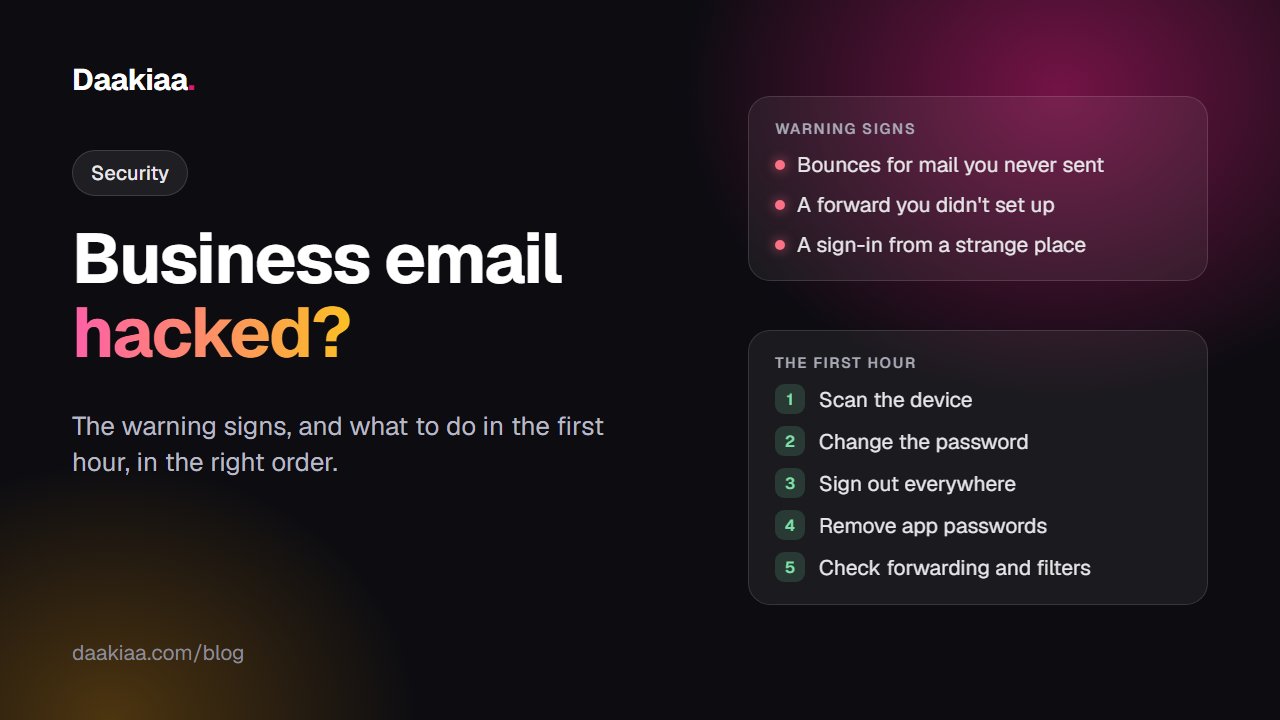
Business Email Hacked? The Signs and What to Do in the First Hour
Spam going out from your company email, or a sign-in you don't recognise? Learn the warning signs and what to do in the first hour, in the right order.
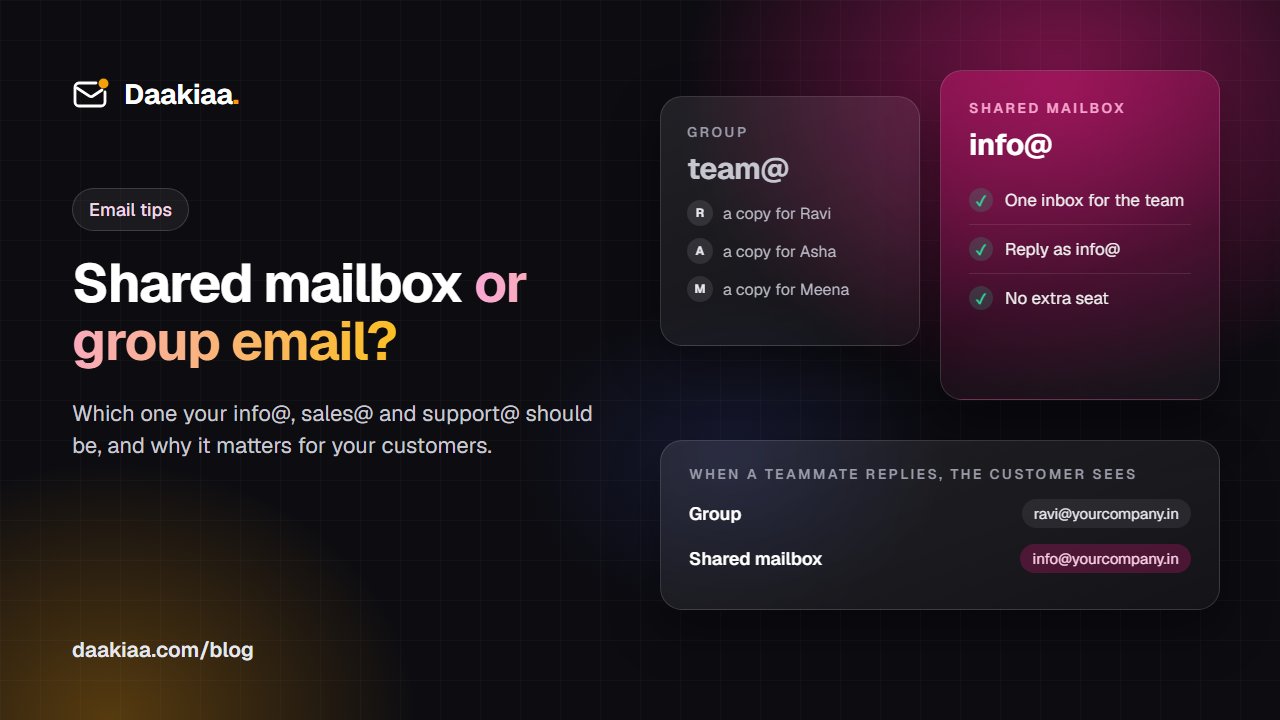
Shared Mailbox vs Group Email: Which Should info@ and sales@ Be?
A group sends everyone a copy; a shared mailbox gives your team one inbox and replies as info@. Learn which one each company address should be.
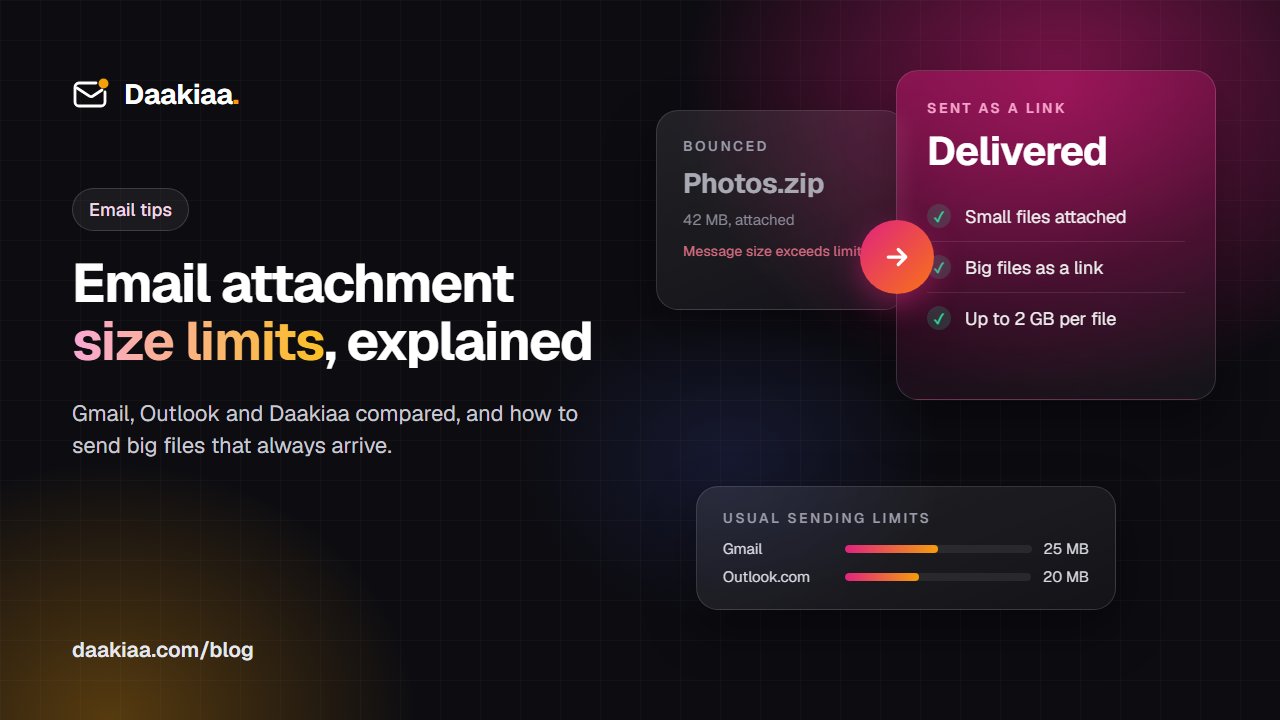
Email Attachment Size Limits: Gmail, Outlook and Daakiaa Compared
What is the email attachment size limit in Gmail, Outlook and Microsoft 365? Why big files bounce, and how to send large files by email that always arrive.