Share Large Files Without Attachments: A Simple System for Small Teams
Why attachments cause trouble, a simple folder system for small teams, and how Daakiaa Drive shares files as expiring links from your business email account.
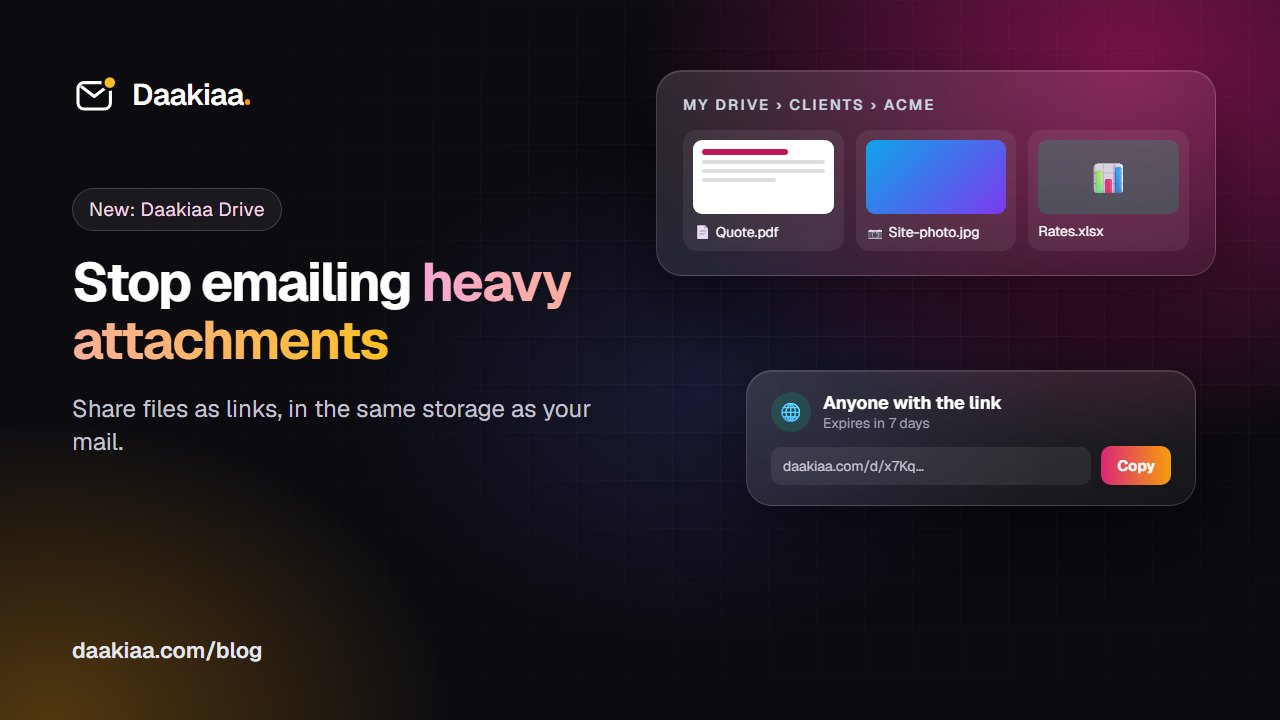
Most small businesses still share files the hard way: a 20 MB PDF attached to an email, bounced by the client’s mail server, then sent again through a personal file-sharing account nobody in the company can find later. Photos of a site visit live on one person’s phone. The latest price list exists in five versions across five inboxes.
This guide shows a simple way to organise and share business files, and how Daakiaa Drive brings it into the same account as your business email, on every plan.
Why attachments are the wrong way to share files
Attachments feel easy, but they cause problems that grow with the business:
- Size limits. Many mail servers refuse messages over 20 to 25 MB, so big files bounce.
- Copies everywhere. Every attachment is a new copy. When the file changes, nobody knows which version is current.
- No control after sending. Once a file is attached, you can’t take it back, change who has it, or stop it being forwarded.
- Full mailboxes. The same large files sit in the sender’s Sent folder and every recipient’s inbox, eating storage.
A link to a file in shared storage fixes all four: one copy, always current, and you decide who can open it and for how long.
A simple file system for a small team
You don’t need a complex document management system. Four habits cover most teams.
1. One folder per client or project
Create a top-level folder for each client or project (“Clients / Acme”, “Projects / Office move”). Put quotes, contracts, photos and invoices for that client inside. Anyone who needs to find something knows exactly where to look.
2. Clear file names with dates
Name files so they sort well and say what they are: “2026-10 Quote Acme v2.pdf” beats “final_final(1).pdf”. Dates at the start keep versions in order.
3. Share folders, not single files, with your team
When a colleague works on a client, share the client’s folder with them once. Everything you add later is shared automatically, and nobody has to ask “can you send me that file?”.
4. Send clients links, with an expiry
For clients and suppliers, send a link instead of an attachment. Set it to expire after a week when the file is only needed for a while, and switch it off when the job is done.
Doing it with Daakiaa Drive
Daakiaa Drive is part of your Daakiaa account, next to your mail, calendar, tasks, team chat and video meetings. It is included on every plan, including the Free plan, and uses the same storage as your mailbox.
Folders and uploads. Create folders inside folders, give them colours and stars, and drag files straight from your computer into the right place. You can upload a whole folder at once, with its sub-folders, and uploads keep going while you browse.
Preview without downloading. Photos, PDFs (every page), videos, audio and text files open right in Drive, on a computer or a phone. Other files download with one click.
Share with colleagues. Share a file or a folder with people in your company as a viewer (open and download) or an editor (also add files and folders). It appears under “Shared with me” for them.
Links for clients. Turn on a link for “anyone with the link” or for “people in my company” only. Choose when it expires (a day, a week, a month or never), see how many times it was downloaded, and turn it off at any time.
A safety net. Deleted files wait in the trash for 30 days before they are removed. Programs and scripts such as .exe or .bat files can’t be uploaded, to keep everyone safe.
One storage with your mail. Drive shares the mailbox’s storage (2 GB on the Free plan, more on paid plans). One meter in Drive shows how much your mail and your files each use.
Common questions
Can clients open a link without an account? Yes, when the link is set to “anyone with the link”. With “people in my company”, they need to sign in with a company account.
How big can a file be? Up to 2 GB per file, within your storage.
What happens if I share a folder and then add files? People who have the folder see the new files straight away.
Get started
If your company already uses Daakiaa, open the apps menu in the top right corner and choose Drive. If you are new, create a free account with up to three mailboxes on your own domain, see all plans on the pricing page, or read more about Daakiaa Drive.
Business email on your own domain, free
3 mailboxes free forever, with passkeys, spam protection and one-tap phone setup.
More from the blog
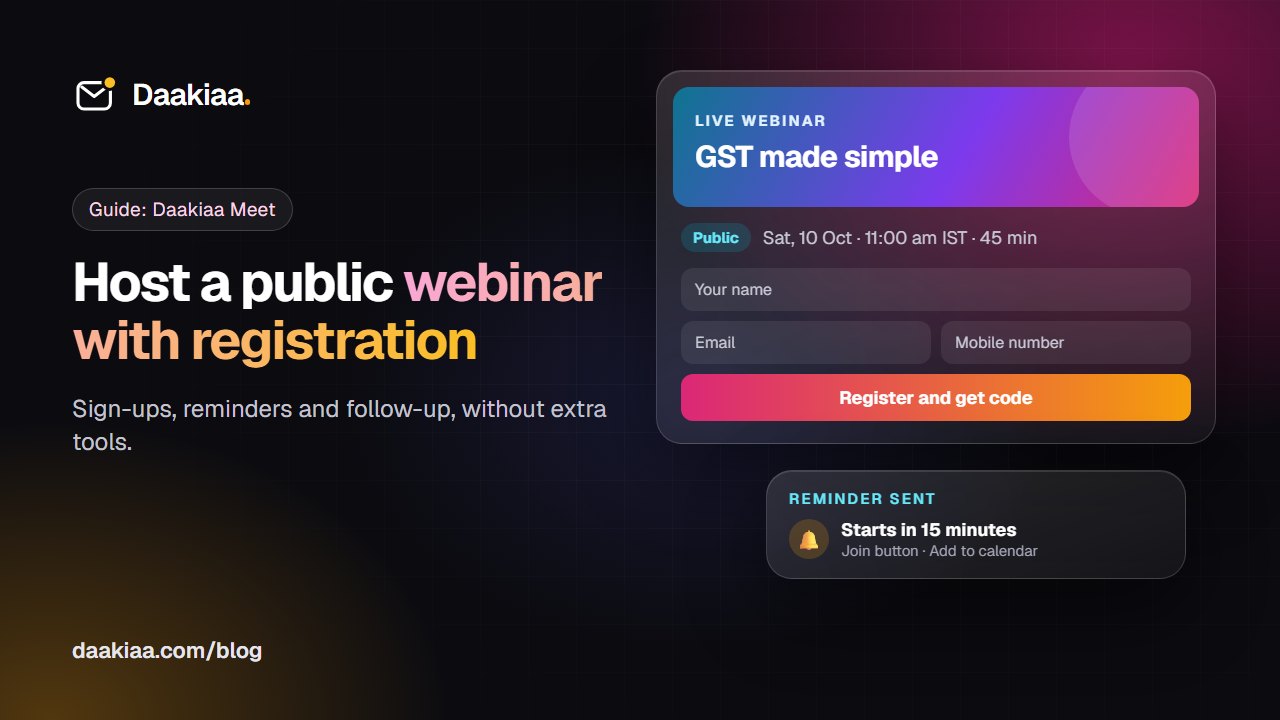
How to Host a Public Webinar with Registration: A Step-by-Step Guide
A step-by-step guide to hosting a public webinar with registration: plan it, brand it, collect sign-ups, send reminders and follow up, with Daakiaa Meet.
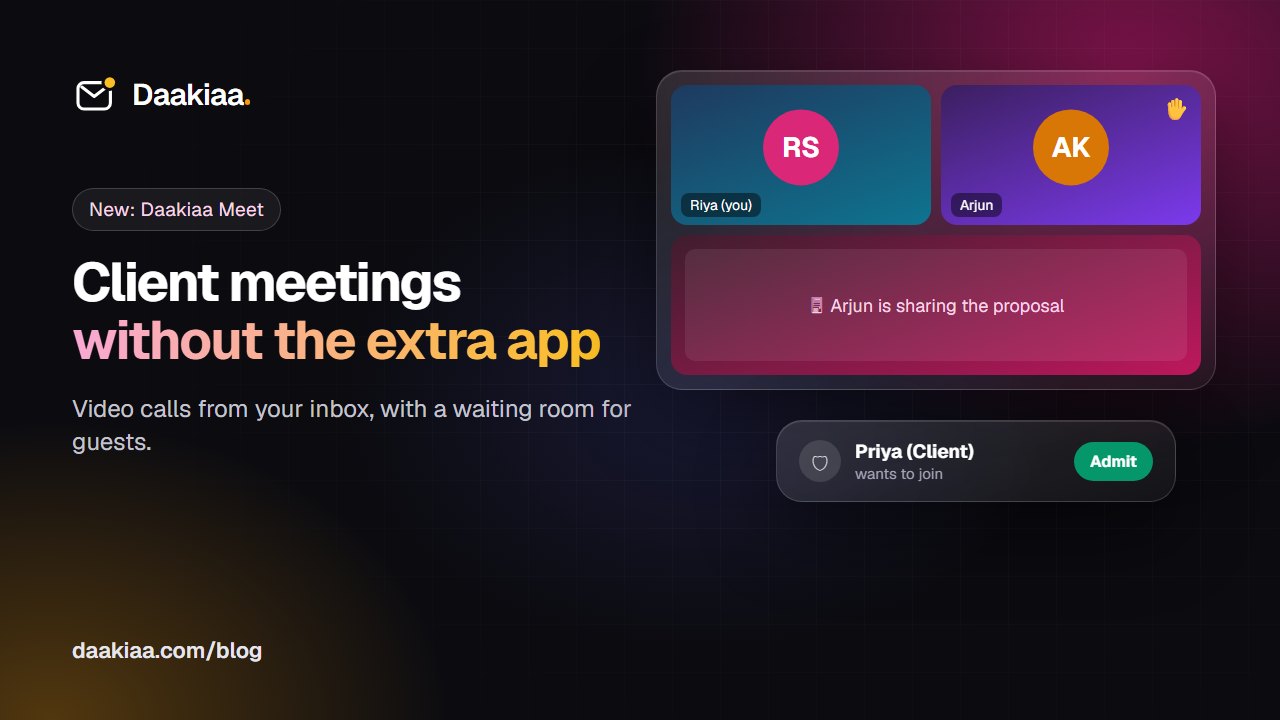
How to Run Professional Client Video Meetings Without Extra Apps
A simple checklist for professional client video meetings, and how Daakiaa Meet adds one-click calls, guest links and a waiting room to your business email.
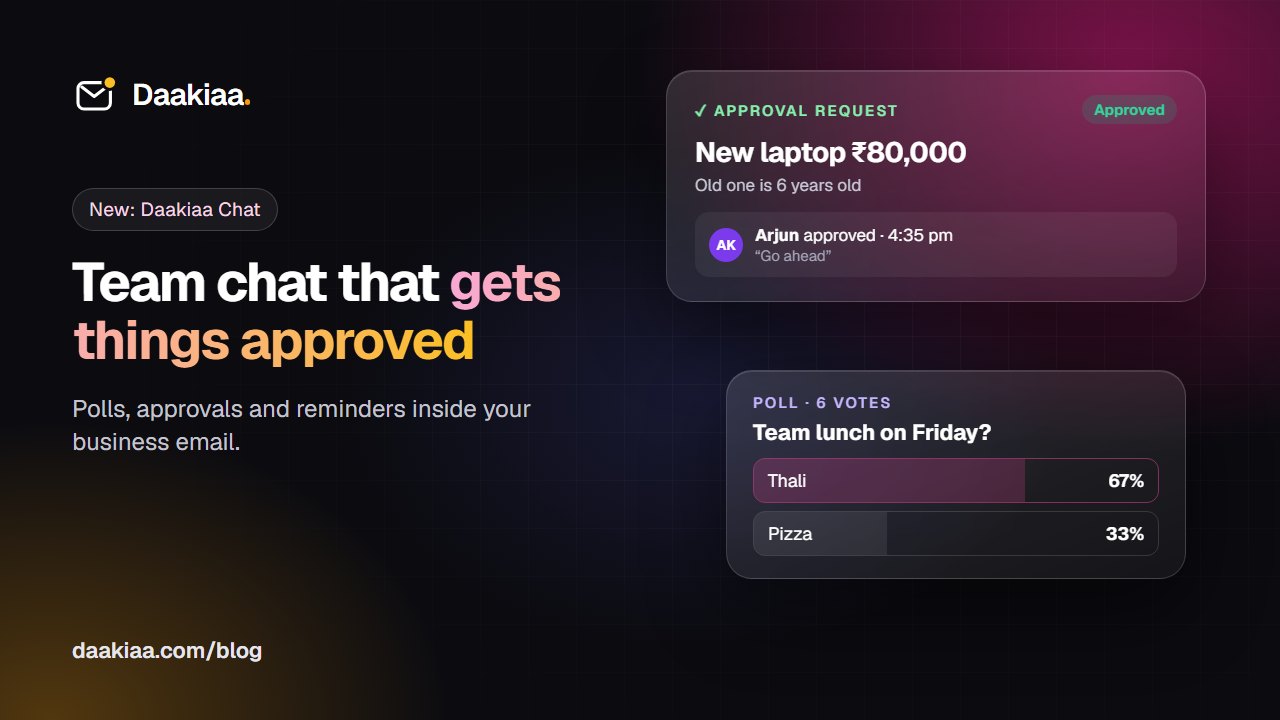
Faster Approvals in a Small Business, Without Endless Email Threads
Approvals stuck in email and WhatsApp? A simple five-step habit for faster decisions, and how team chat with one-tap approvals, polls and reminders helps.