Zoho Mail Alternative: Zoho Mail vs Daakiaa Compared
Looking for a Zoho Mail alternative? Compare storage, mail apps, security and pricing of Zoho Mail and Daakiaa, and see how to switch in an afternoon.
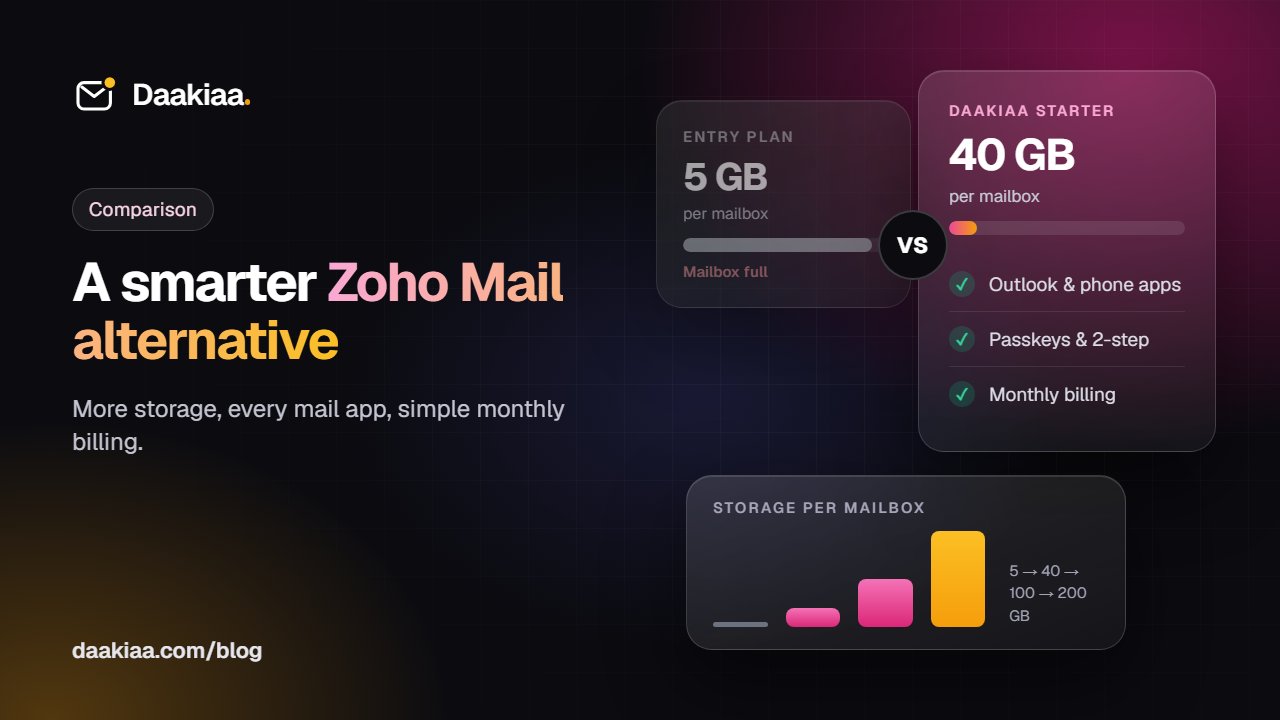
Zoho Mail is one of the most popular business email services in India, and for good reason: it is affordable and well known. But as a team grows, many companies start looking for a Zoho Mail alternative: they want more storage in each mailbox, the freedom to use any mail app, or simpler monthly billing. This guide compares Zoho Mail and Daakiaa point by point, so you can choose what fits your team.
Why teams look beyond Zoho Mail
The reasons we hear most often from businesses are practical ones:
- Mailboxes fill up. Entry plans with 5 GB per mailbox can fill within a year or two for anyone who sends quotes, invoices and designs as attachments.
- The free plan limits apps. Zoho’s free plan works through the web and Zoho’s own app. Teams that want Outlook or the phone’s built-in mail app need to upgrade.
- Yearly billing. The lowest prices usually need a yearly payment, which is harder for small teams whose size changes often.
None of these make Zoho Mail a bad product. They simply mean it is worth comparing before you renew.
Zoho Mail vs Daakiaa at a glance
The table compares typical plans at the time of writing (October 2026). Plans and prices change, so check each provider’s price page before you decide.
| Daakiaa | Zoho Mail | |
|---|---|---|
| Free plan | 3 mailboxes, 2 GB each | Up to 5 users, 5 GB each |
| Outlook and phone apps on the free plan | Yes (IMAP and SMTP) | No, web and Zoho app |
| Entry paid plan | ₹119 per user / month, 40 GB | about ₹59 per user / month, 5 GB (yearly) |
| Storage per mailbox | 40, 100 or 200 GB | 5 to 50 GB, by plan |
| Passkeys and 2-step sign-in | Yes | Yes |
| Billing | Monthly, change any time | Yearly for the best price |
For a detailed feature list, see our Zoho Mail alternative page.
Storage: the difference you notice in a year
Storage looks like a small detail on a price page, but it decides how your team works. With 5 GB, people start deleting old mail, and with it old proof of orders, approvals and payments. When the mailbox is full, new messages bounce.
Daakiaa Starter gives 40 GB per mailbox, Business gives 100 GB and Enterprise gives 200 GB. That is room for years of normal business email, so nobody has to clean up their inbox to keep receiving mail.
Mail apps: use what your team already knows
Your team already has favourite apps. Some live in Outlook on the desktop, others in the Gmail app on Android, others in Apple Mail on an iPhone. With Daakiaa, every plan, including the free one, works with all of them over standard IMAP and SMTP. There is also a fast webmail for the browser, and one-tap phone setup that fills in the server settings.
Security
Both services take security seriously, and both offer 2-step sign-in. With Daakiaa, these protections come without add-ons:
- Passkeys, so people can sign in with a fingerprint or face instead of a password that can be phished
- Required 2-step sign-in that an admin can turn on for the whole company (Business plan)
- Country rules for sign-in (Business plan), so a stolen password cannot be used from abroad
- Private image loading, so senders cannot track when you open their mail
- Large files as private links that only the people you sent them to can open
Price: cheaper is not always better value
Zoho’s entry plan costs less per user than Daakiaa Starter. That is a fact, and for a team that sends very little mail it may be enough. But compare what you get for the money:
- 40 GB instead of 5 GB in each mailbox
- Every mail app, on every plan
- Monthly billing, with no yearly lock-in
For most growing teams, that makes Daakiaa the better value. See all plans and prices.
How to move from Zoho Mail to Daakiaa
Switching takes an afternoon of setup, and your team keeps working throughout.
- Create your Daakiaa account and verify it with your GST certificate or, for organisations without GST, any government registration document.
- Add the DNS records we show you. For popular DNS providers, Daakiaa can add them for you automatically.
- Turn on IMAP access in Zoho Mail, then use Daakiaa’s import tool to copy every folder and message. It can also create missing mailboxes on the way.
- Point your domain’s mail to Daakiaa. Split delivery (Business plan) lets you move people in groups, while the rest keep receiving mail in Zoho until they move.
- Set up apps with webmail or one-tap phone setup.
Your email addresses stay the same, so customers notice nothing.
Frequently asked questions
Will I lose email when I leave Zoho Mail?
No. The import copies your folders and messages, and your Zoho mailboxes stay as they are until you close them.
Can I try Daakiaa before I move the whole team?
Yes. Start on the free plan with up to 3 mailboxes on your own domain, and upgrade when you are ready.
Does Daakiaa include documents, a drive or a CRM?
No. Daakiaa focuses on business email and does it well. You can keep using any office suite or CRM alongside it.
The bottom line
Zoho Mail is a good start for many businesses. If your team needs more room in every mailbox, the freedom to use any mail app and simple monthly billing, Daakiaa is a strong Zoho Mail alternative. Start free on your own domain, or compare the details on the Zoho Mail alternative page.
Business email on your own domain, free
3 mailboxes free forever, with passkeys, spam protection and one-tap phone setup.
More from the blog
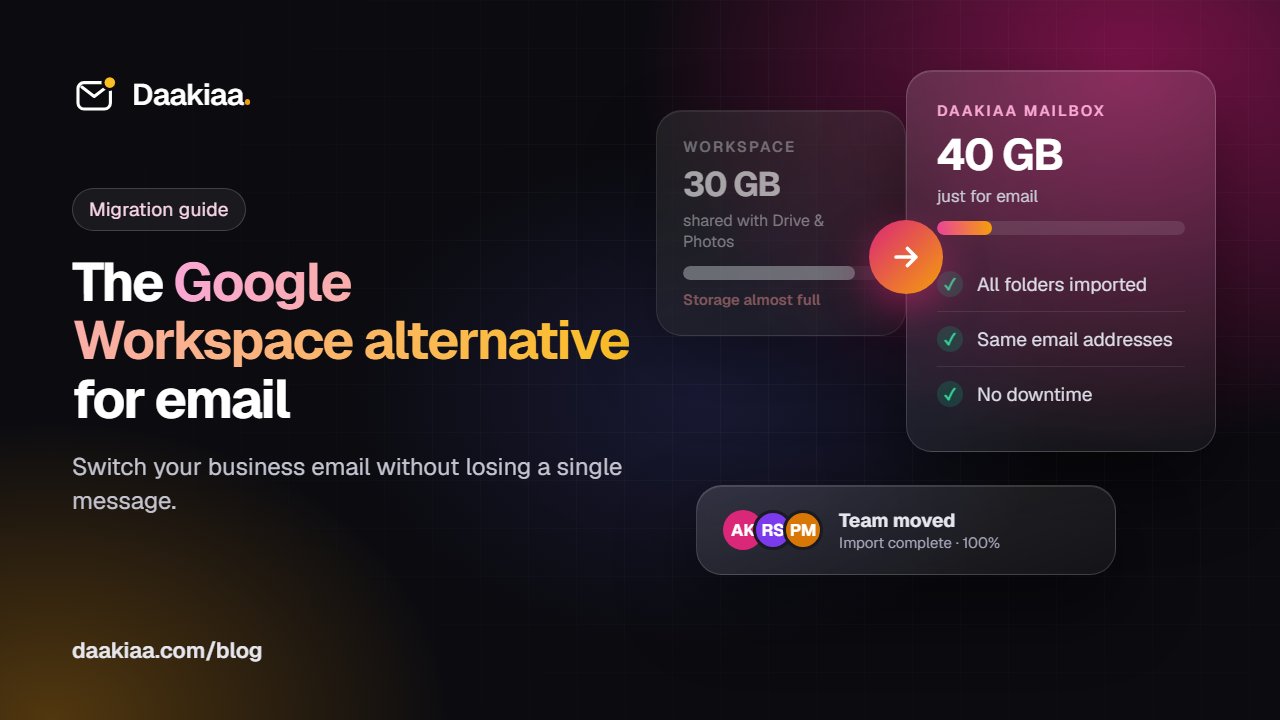
Google Workspace Alternative: Switch Your Business Email Without Losing Mail
Using Google Workspace mainly for email? See what to compare in a Google Workspace alternative, real costs, and how to move without losing mail.
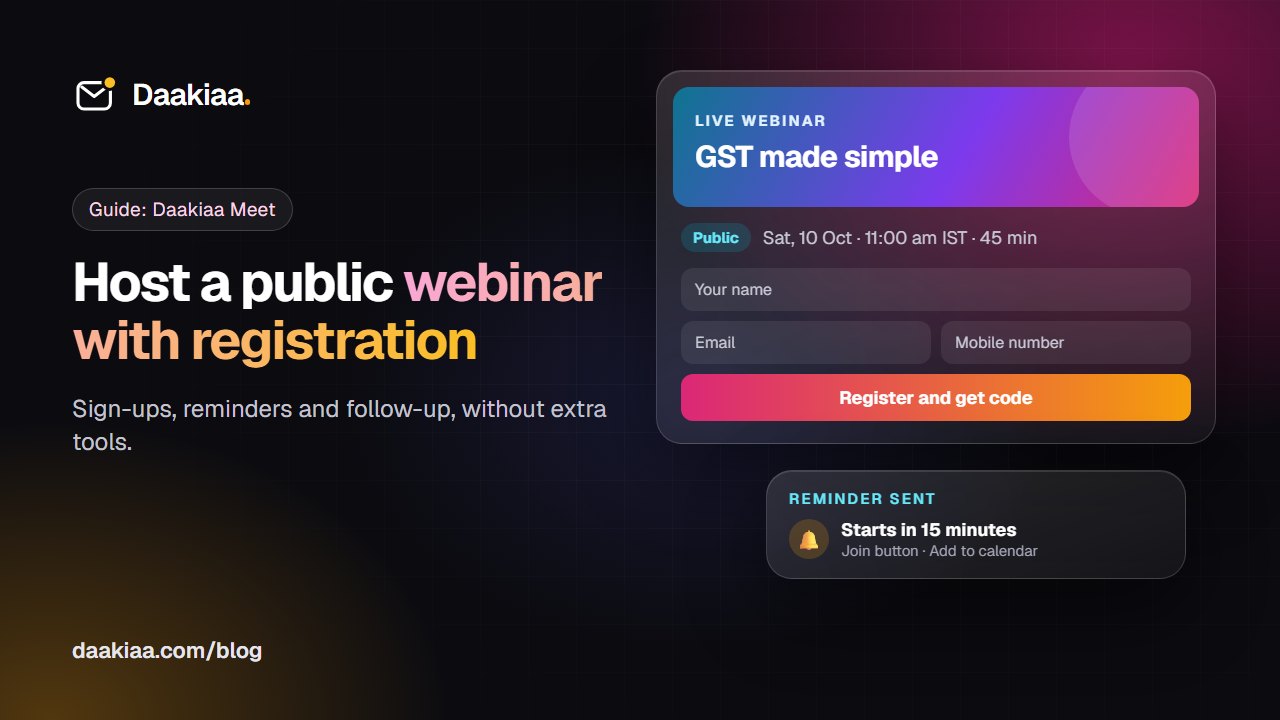
How to Host a Public Webinar with Registration: A Step-by-Step Guide
A step-by-step guide to hosting a public webinar with registration: plan it, brand it, collect sign-ups, send reminders and follow up, with Daakiaa Meet.
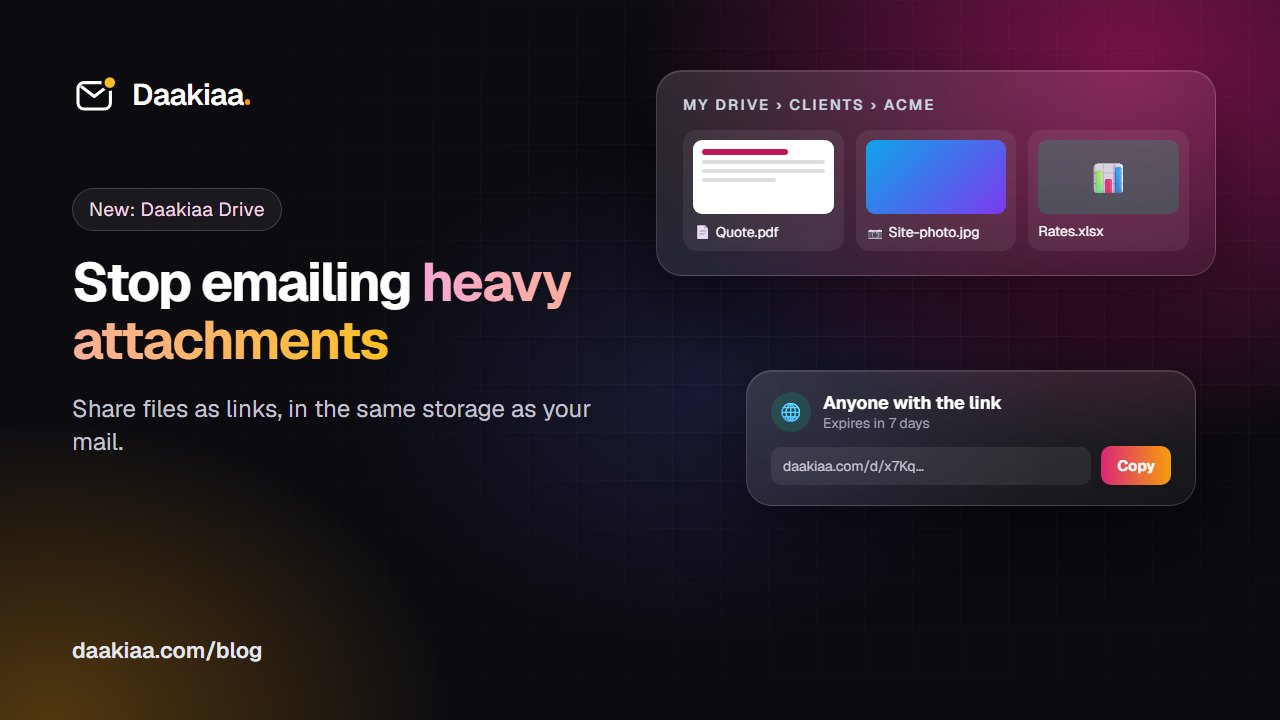
Share Large Files Without Attachments: A Simple System for Small Teams
Why attachments cause trouble, a simple folder system for small teams, and how Daakiaa Drive shares files as expiring links from your business email account.